
MERN Full Stack Training
A MERN Full Stack Developer course is designed to teach individuals how to build web applications using the MERN stack, which includes MongoDB, Express.js, React, and Node.js. The course covers essential skills such as JavaScript fundamentals, RESTful API development, front-end user interface creation, and database management. By the end of the course, students gain practical experience in integrating the various technologies, enabling them to create and deploy complete web applications efficiently. This course is ideal for aspiring developers looking to master modern web development techniques.
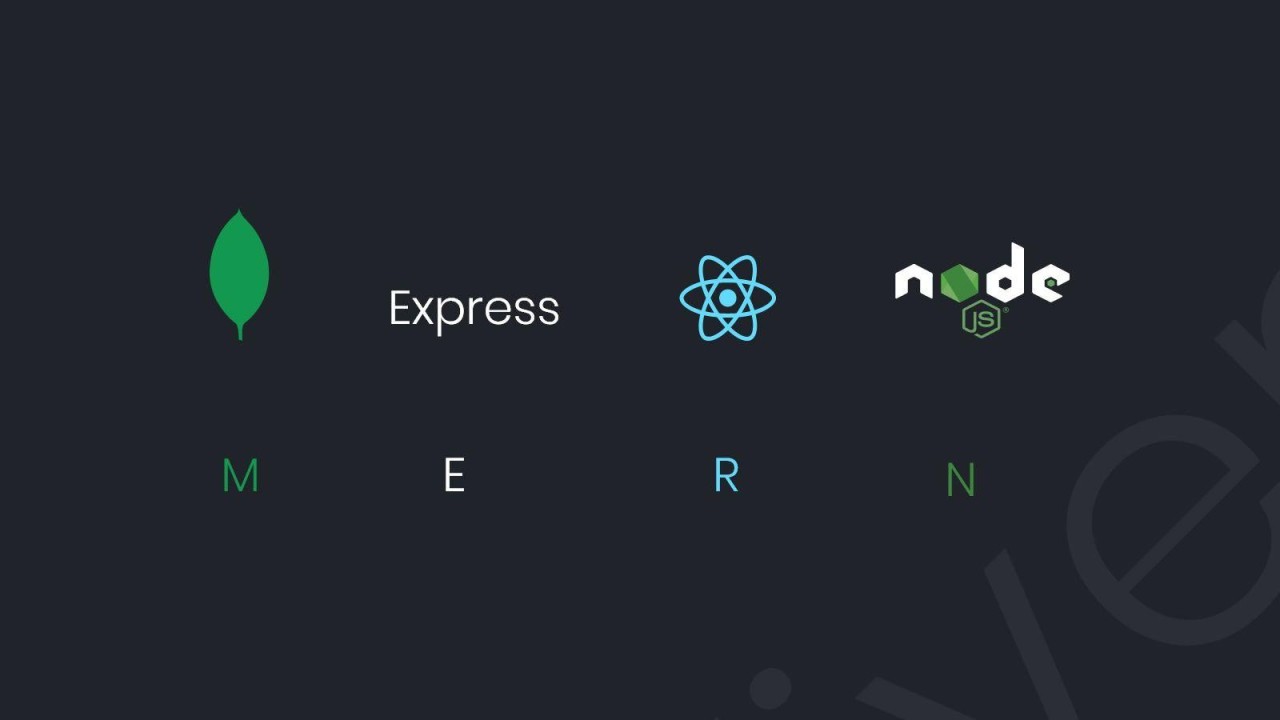
MERN Full Stack
A MERN Full Stack Developer course typically covers the essential skills and technologies needed to build web applications using the MERN stack, which consists of:
- MongoDB: A NoSQL database used to store application data.
- Express.js: A web application framework for Node.js that simplifies building web servers.
- React: A JavaScript library for building user interfaces, particularly single-page applications.
- Node.js: A runtime environment that allows you to run JavaScript on the server side.
Course Components:
- JavaScript Fundamentals: Understanding the core concepts of JavaScript, including ES6 features.
- Node.js Basics: Setting up a Node.js environment, understanding its event-driven architecture, and working with packages using npm.
- Express.js: Building RESTful APIs, middleware, routing, and handling requests and responses.
- MongoDB: Learning how to create and manage databases, collections, and documents, as well as performing CRUD operations.
- React: Developing front-end applications, managing state with hooks, working with components, and handling routing with React Router.
- Full Stack Integration: Connecting the front-end and back-end, making API calls, and managing data flow.
- Deployment: Understanding how to deploy applications on platforms like Heroku, AWS, or Vercel.
Syllabus
HTML
- Introduction
- Elements
- Tags
- Text
- Formatting
- Pre
- Attributes
- Font
- Text Links
- Comments
- Lists
- Images
- Image Links
- Tables
- Bgcolor
- Color Codes
- Color Chart
- Background
- Web Forms
- Forms
- Input
- Text Fields
- Hidden Fields
- Password
- Reset
- Submit
- Checkboxes
- Radio
- Select
- Hidden Fields
- Upload
- Textarea
- Special Tags
- Body
- Meta
- Style
- Div
- Layouts
- Frames
- Formatting Tags
- Bold
- Paragraph
- Headings
- Line Breaks
- Horizontal Rule
- Italic
- Semantic Elements
- Articles
- Aside
- Figcaption
- Figure
- Footer
- Header
- Mark
- Nav
- Progress
- Section
- Summary
- Time
- Form Elements
- Datalist
- Keygen
- Output
- Form Input Types
- Color
- Date
- Datetime
- Datetime-local
- Month
- Number
- Range
- Search
- Tel
- Url
- Time
- Week
- Form Attributes
- autocomplete
- autofocus
- form
- formaction
- formenctype
- formmethod
- formnovalidate
- formtarget
- height and width
- list
- min and max
- multiple
- pattern (regexp)
CSS
- Introduction
- CSS Syntax
- CSS Selectors (ID, Class, Tags, Attributes)
- CSS Styling
- Styling Backgrounds
- Styling Text
- Styling Fonts
- Styling Links
- Styling Lists
- Styling Tables
- CSS Box Model
- CSS Border
- CSS Outline
- CSS Margin
- CSS Padding
- CSS Dimension
- CSS Display
- CSS Positioning
- CSS Floating
- CSS Navigation Bar
- CSS Image Gallery
- CSS Image Opacity
- CSS Align
- CSS3 Introduction
- Borders
- Border-radius
- Border Images
- Backgrounds
- Background Size
- Background-origin
- Text Effects
- Text-shadow
- Box-shadow
- Text
- Text-overflow
- word-warp
- word-break
- Fonts
- Transforms
- 2D Transforms
- 3D Transforms
- Transitions
- transition-delay
- transition-duration
- transition-property
- transition-timing-function
JavaScript
- Introduction
- What is JavaScript?
- What is AJAX?
- Developer Essentials
- The Development workflow
- Selecting the right tools for the job
- Just enough HTML and CSS
- Understanding objects
- Understanding variables
- Making comparisons
- Understanding events
- Starting to Code
- Writing your first script
- Internal vs. external scripts
- Using comments in Scripts
- Using the NoScript tag in HTML
- Interacting with Users
- Creating alerts dialogs
- Understanding Conditional statements
- Getting Confirmation from users
- Creating Prompts for users
- Understanding functions
- Making links smarter
- Using switch/case statements
- Handling errors
- JavaScript Language Essentials
- Getting started
- Creating loops
- Passing values to functions
- Detecting objects
- Reading arrays
- Returning values from functions
- writing arrays
- Building do and while loop
- Re-using functions
- Creating Rollovers and More
- Creating a basic image rollover
- How to write a better rollover
- Create a three-state rollover
- Making rollovers accessible and 508 compliant
- Making disjoint rollovers
- Creating Slideshows
- Displaying random images
- Building Smarter Forms
- Getting Started
- Creating jump menus
- Creating dynamic menus
- Requiring fields
- Cross-checking fields
- Displaying more informative errors
- Verifying radio button selections
- Setting one field with another field
- Verifying email addresses
- Handling Events
- Responding to window events
- Responding to mouse movements
- Responding to mouse clicks
- Responding to onBlur form events
- Responding to onFocus form events
- Responding to Keyboard events
- Working with Cookies
- Demystifying cookies
- Writing a cookie
- Reading a cookie
- Displaying a cookie
- Counting with cookies
- Deleting cookies
- Handling multiple cookies
- Cookies in action
- The DOM, Nodes, and Objects
- Understanding the DOM
- Adding nodes to the DOM
- Deleting nodes to the DOM
- Deleting specific nodes
- Inserting nodes into the DOM
- Replacing nodes in the DOM
- Working with Dates and Times
- Displaying dates
- Displaying times
- Creating a countdown
- Real-World Applications of JavaScript
- Creating sliding menus
- Creating pop-up menusCreating slideshows with captions
- Creating a stylesheet switcher
ReactJS
- Introduction to ReactJS
- Understand ReactJSLibrary & directory
- React Components
- Types of Components
- Build a simple React component
- Component composition
- Component styling
- Add styles to your components
- Component inter communication
- How to pass data from one component to another
- Routing
- Using Routing to create single page app
- Hooks
- States
- Hooks vs States
- Types of Hooks
- Redux
- Using Redux as state container for react apps
- React Bootstrap
- How to deploy ReactJS App
Node JS
- Introduction to Nodejs
- Architecture of Nodejs Application
- Synchronous and Asynchronous Programming
- Call back Function in nodejs
- Promises in Nodejs
- Mongodb with Nodejs
- Design the Schema in Nodejs
- Design the Rest API’s
- GET,POST,PUT,DELETE
- JSON web Token Authentication in nodejs
- Create the Auth APP in nodejs
- Create the E-commerce Backend
- Integrated Payment Gateway
ExpressJS (Building RESTFUL API’s using Express)
- Express
- Restful services
- Introducing Express
- Building your First Web Server
- Nodemon
- Environment Variables
- Route Parameters
- Handling HTTP GET Request
- Handling HTTP POST Request
- Calling Endpoints Using Postman
- Input Validations
- Handling HTTP PUT Request
- Handling HTTP DELETE Request
- Project- Build the Genres API
Express- Advanced Topics
- Middleware
- Creating a Custom Middleware
- Built-in Middleware
- Environments
- Configuration
- Debugging
- Templating Engine
- Database Engines
- Database Integration
- Authentication
- Structuring Express Applications
MongoDB
- Introduction to MongoDB (No-sql)
- Collections in MongoDb
- Documents In mongoDb
- Difference between Mysql and NoSql
- Inserting data into database
- Filter queries in Mongodb Database
- Schema Validation in MongoDb database
- Indexing In collections
- Aggregation in MongoDb
- Embedded Document in MongoDb
Trainer Profile

Our Trainers provide complete freedom to the students, to explore the subject and learn based on real-time examples. Our trainers help the candidates in completing their projects and even prepare them for interview questions and answers. Candidates are free to ask any questions at any time.
- More than 10+ Years of Experience.
- Trained more than 500+ students.
- Strong Theoretical & Practical Knowledge.
- Certified Professionals with High Grade.
- Well connected with Hiring HRs in multinational companies.
- Expert level Subject Knowledge and real-time projects/applications experience in MNC.
- Our Trainers are working in top level multinational companies.
FAQs
What is MERN Full Stack ?
The MEAN stack consists of four technologies: MongoDB (database), Express.js (web framework for Node.js), Angular (front-end framework), and Node.js (runtime environment). Together, they enable developers to build full-stack web applications using JavaScript.
Who is this course intended for?
This course is ideal for beginners who want to start a career in web development, as well as for experienced developers looking to expand their skill set in full-stack development using the MEAN stack.
What prerequisites are needed for this course ?
Familiarity with HTML, CSS, and basic JavaScript concepts is recommended. Knowledge of RESTful APIs and asynchronous programming will be beneficial but not mandatory.
What will I learn in this course ?
You will learn how to set up a MEAN stack application, create and manage a MongoDB database, build a server with Express.js, develop a front-end using Angular, and connect all components to create a full-stack application
What tool or software do I need ?
You’ll need a code editor (like VSCode), Node.js installed, and access to MongoDB (either locally or via a cloud service). Familiarity with Git is also helpful.
How is the course structured?
The course typically includes lectures, hands-on coding exercises, quizzes, and projects. You’ll also have access to additional resources and community support.
Is there hands-on practice ?
Yes, the course includes hands-on exercises and projects to help you apply what you learn in real-world scenarios.
Are MERN Full Stack course available online or in-person?
MERN Full Stack course are available in both formats. Online courses can be self-paced or live, while in-person courses might be offered through authorized training centers or professional development workshops.
How long is the course ?
The course period is 120 days, with a total of 90 hours of class time. Please check the specific schedule for exact timing.
Is there a certification available upon completion?
Yes, upon successful completion of the course, participants typically receive a certificate of completion, which can be added to your resume or LinkedIn profile.
What are the job prospects after completing this course ?
Graduates can pursue various roles, including Full Stack Developer, Front End Developer, Back End Developer, or Software Engineer. The demand for MERN stack developers is high in the job market.
What resources are available if I need help during the course?
Participants typically receive access to course materials , and additional resources such as documentation, tutorials, and community forums.
Will I work on real-world projects ?
Yes! The course includes hands-on projects where you will build a complete application using the MERN stack, reinforcing your learning and giving you practical experience.
Enquiry Form
Trending Courses
Whether you are looking to enhance your skills, advance your career, or develop innovative software solutions, we are here to support you every step of the way. Join us and embark on a journey of growth and success in the ever-evolving world of technology. Have a look at all the most popular courses!


Get Upto 50% discounts on trending courses.
Join over 30+ our trending courses to achieve your career growth. Collaborate with fellow learners, fostering a supportive learning community
Get Free Tech Consultation With Us.
For your convenience, you can also reach out to us by filling out the contact form below. Please provide as much detail as possible so we can assist you effectively.
